
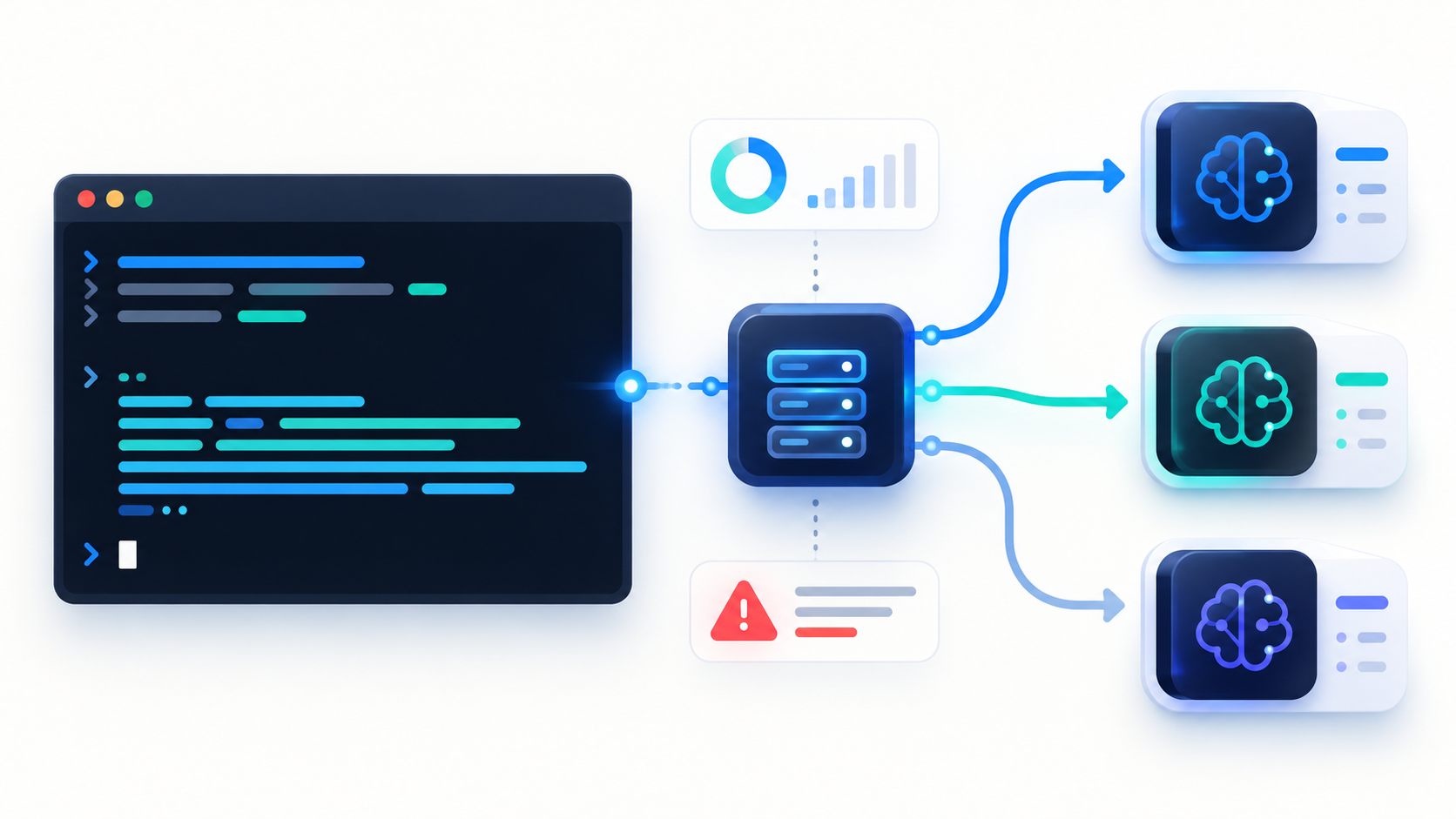
An OpenAI-compatible chat API lets one Python client call different models by changing the model field. That is useful when you want to compare outputs or use a faster model for routine prompts without changing the rest of your application.
In this tutorial, we'll build a command-line tool that accepts a prompt, selects a model, optionally streams the answer, and reports token usage for non-streaming calls. We'll also handle common network and API errors.
Prerequisites
You'll need Python 3.9 or newer, an API key for an OpenAI-compatible chat endpoint, and the openai Python package:
python -m pip install --upgrade openai
Set your API key and base URL as environment variables. The base URL should end at the API version prefix; the SDK adds /chat/completions itself.
On macOS or Linux:
export AI_API_KEY="your-api-key"
export AI_BASE_URL="https://hefu.hk/api/v1"
On PowerShell:
$env:AI_API_KEY = "your-api-key"
$env:AI_BASE_URL = "https://hefu.hk/api/v1"
Build the CLI
Save this as model_cli.py:
import argparse
import os
import sys

from openai import APIConnectionError, APIStatusError, APITimeoutError, OpenAI


def parse_args() -> argparse.Namespace:
    parser = argparse.ArgumentParser(
        description="Send a prompt to an OpenAI-compatible chat API."
    )
    parser.add_argument("prompt", nargs="+", help="Text to send to the model")
    parser.add_argument(
        "--model",
        default="deepseek-v4-flash",
        help="Model ID supported by your API endpoint",
    )
    parser.add_argument(
        "--system",
        default="You are a helpful assistant.",
        help="System instruction",
    )
    parser.add_argument(
        "--stream",
        action="store_true",
        help="Print response chunks as they arrive",
    )
    return parser.parse_args()


def main() -> int:
    args = parse_args()
    api_key = os.getenv("AI_API_KEY")
    base_url = os.getenv("AI_BASE_URL")

    if not api_key or not base_url:
        print("Set AI_API_KEY and AI_BASE_URL first.", file=sys.stderr)
        return 2

    client = OpenAI(
        api_key=api_key,
        base_url=base_url,
        timeout=30.0,
        max_retries=2,
    )
    messages = [
        {"role": "system", "content": args.system},
        {"role": "user", "content": " ".join(args.prompt)},
    ]

    try:
        if args.stream:
            stream = client.chat.completions.create(
                model=args.model,
                messages=messages,
                stream=True,
            )
            for chunk in stream:
                if not chunk.choices:
                    continue
                text = chunk.choices[0].delta.content
                if text:
                    print(text, end="", flush=True)
            print()
        else:
            response = client.chat.completions.create(
                model=args.model,
                messages=messages,
            )
            print(response.choices[0].message.content or "")
            if response.usage:
                print(
                    f"\nTokens: input={response.usage.prompt_tokens}, "
                    f"output={response.usage.completion_tokens}",
                    file=sys.stderr,
                )
    except APITimeoutError:
        print("Request timed out.", file=sys.stderr)
        return 1
    except APIConnectionError as exc:
        print(f"Connection error: {exc}", file=sys.stderr)
        return 1
    except APIStatusError as exc:
        print(f"API error (HTTP {exc.status_code}): {exc.message}", file=sys.stderr)
        return 1

    return 0


if __name__ == "__main__":
    raise SystemExit(main())
Run it
The default model ID in this example matches the sample endpoint above:
python model_cli.py "Explain what an API gateway does in two sentences."
Choose another model ID that your endpoint supports without editing the Python file:
python model_cli.py --model YOUR_OTHER_MODEL_ID "Summarize the purpose of unit tests."
Stream a longer answer:
python model_cli.py --stream "Explain the difference between retries and timeouts."
The second command contains a placeholder. Replace YOUR_OTHER_MODEL_ID with an actual ID listed by your API provider.
Why the two response paths differ
Without --stream, create() returns one completed response. We can read response.choices[0].message.content and, when provided, response.usage.
With --stream, the call yields chunks. Each chunk can contain new text in choices[0].delta.content. Some chunks contain no text, so we check before printing. This basic streaming example does not request usage data; if you need streaming usage, check whether your provider supports the relevant stream_options behavior.
Common failure cases
| Symptom | What to check |
|---|---|
| 401 or 403 | Confirm the key and its permissions. |
| 404 or model error | Check the base URL and exact model ID. |
| 429 | Reduce request rate or handle the provider's quota limits. |
| Timeout | Try a shorter prompt or increase the client timeout. |
Keep the API key in an environment variable and avoid printing it in logs. For production use, add application-specific retry policies, structured logs, and request tracing.
If you adapted this code for your own endpoint, which part would you change first: model selection, output formatting, or error handling?
Disclosure: This article was drafted with AI assistance.
About the author
- We’re the team behind HeFu, a platform bringing together multi-model AI APIs, practical office tools, enterprise services and developer resources. We share API integration tutorials, AI workflow examples and lessons from building AI products—from connecting multiple models through one API to helping teams create content and streamline everyday work.
Comments
Join the discussionNo comments yet. Be the first to comment.